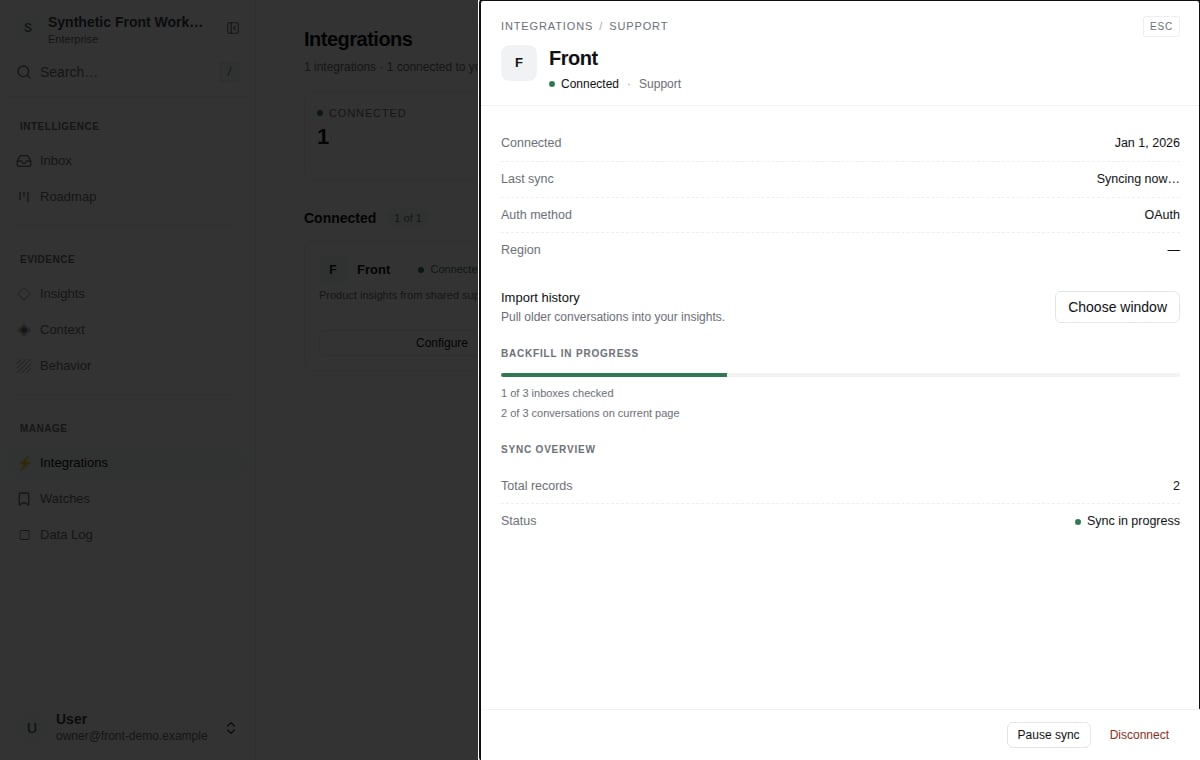
Connect Front
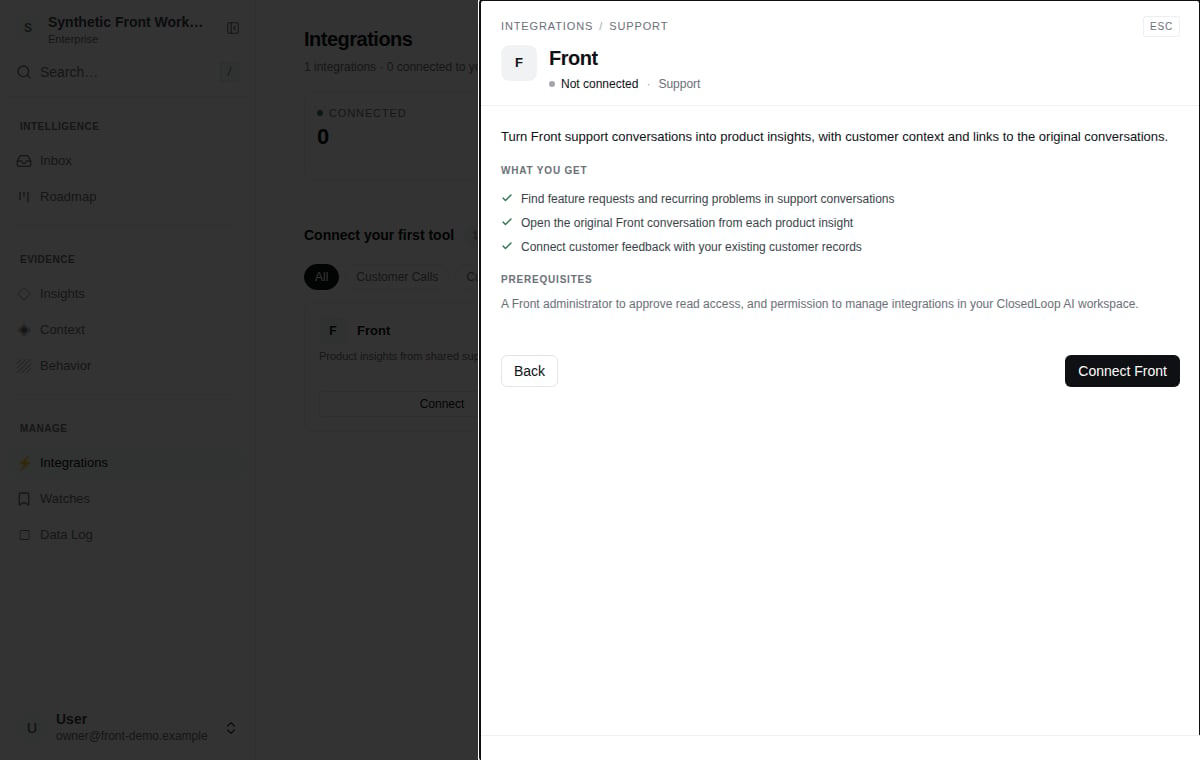
- Open Integrations in ClosedLoop AI and choose Front.
- Select Connect Front and sign in with a Front administrator account.
- Approve read access to shared inboxes, conversations, messages, contacts and accounts.
- Return to ClosedLoop AI to see connection status and choose a history window.
What is imported
ClosedLoop AI reads sent and received messages in shared support inboxes available to the connection, with their original timestamps and customer contact details. Front account names provide context when an email domain identifies one account. Private inboxes, private conversations, drafts and internal comments are excluded. Attachment contents are not downloaded. ClosedLoop AI does not send or change messages in Front. Recent messages begin importing after connection. Use Import history to choose an older date range. New replies are imported without importing earlier messages again, and conversations retain their original Front links. Merging conversations in Front does not import their earlier messages again.Manage the connection
Open Front in Integrations to view progress, pause or resume imports, import older history, reconnect or disconnect. Reconnecting the same Front account keeps your import history. Contact support if your team needs to switch to another Front account. History progress shows the inboxes checked and conversations handled on the current page.